Enrichment did not return an email or phone number. What now?
Every message enrichment can show you, what it means, and how to fix it, from a filtered personal address to a duplicate email HubSpot refuses.
Written By Timy Van Roy
Last updated 11 days ago
Enrichment either finds contact details or it does not, and the message in the panel tells you which. Below are the messages you can run into, what each one means, and what to do about it. Find your message in the headings.
"Could not find email" or "Could not find phone"
SurroundR searched and the data is not available in any source it can reach. This is not a failure, and you were not charged for it.
Before writing the contact off:
Check that Find emails and Find mobile numbers are on under Settings > Enrich settings. If a channel is switched off, SurroundR never looks for it.
Link the company on the contact first, then enrich again. A matched company and a job title make a real difference to hit rate.
Some profiles simply have no findable business email, typically people at very small companies, and anyone who has recently changed employer.
The email you expected was skipped, or only a personal address exists
By default SurroundR only returns business addresses. Results on free email providers such as Gmail, Outlook, Hotmail and Yahoo are rejected, which is why a lookup can come back empty even though the person clearly has an inbox.
How to change it: turn on Allow free email provider emails, either under Settings > Enrich settings in the web app or in the extension's Settings tab. It is the same account-wide setting in both places. From then on personal addresses count as valid results, for new lookups and for bulk exports.
Leave it off if your team enrols contacts in sequences, since personal addresses tend to hurt deliverability and reply rates.
"Email could not be saved to HubSpot because another contact already has this address"
The lookup worked. HubSpot refused the write, because email addresses have to be unique in a portal and another contact already holds this one.
How to fix it:
Search the address in HubSpot to find the contact that already has it.
If it is the same person twice, merge the two records in HubSpot.
If it is a genuinely different person, the address is wrong on one of them. Flag the value with the thumbs-down in the panel and SurroundR looks up a replacement free of charge.
It is also worth checking whether the LinkedIn profile is linked to the right HubSpot contact. See Wrong contact showing on a LinkedIn profile? Here's how to relink it.
"Enrichment is taking longer than usual. Please try again in a moment."
A temporary hold-up rather than a dead end: a data source was slow, rate limited, or the queue was busy. The job may still finish on its own in the background.
What to do: carry on working, reopen the profile a minute or two later, and enrich again only if the fields are still empty. A rate-limited job can wait several minutes between retries, so give it a moment before you spend another click.
"We couldn't enrich this contact right now. Please try again."
Something went wrong at one of the data providers. SurroundR tries Wiza, Prospeo, FindyMail, Hunter and FullEnrich in order, and this message means none of them could complete the lookup.
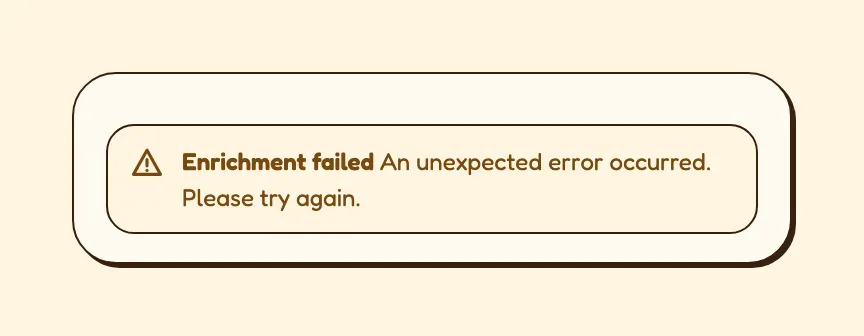
What to do: try once more. If the same contact keeps failing, or the message appears on every contact you touch, that points at an account-level problem such as a provider key that has stopped working. Reach out through the in-app chat and include the time and the LinkedIn profile URL.
"We couldn't reach your CRM to enrich this contact."
The lookup itself is fine, the write to HubSpot is not. Usually the HubSpot connection needs re-authorising, or the properties enrichment writes to are missing.
What to do:
Open Settings in SurroundR and reconnect HubSpot if you are prompted to.
Check that the target properties still exist in HubSpot. Renaming or deleting a mapped property breaks the write.
Retry the enrichment.
"Nothing to enrich"
The contact already has both an email address and a mobile number, so there is nothing left to look up and nothing to charge you for. If a value on the record is wrong, flag it with the thumbs-down rather than enriching again.
The panel says it lost track of the job
The lookup carried on server-side, but the panel stopped following it, usually after a LinkedIn page navigation or a long-running job. Reopen the profile and the result will be there if it landed.
"You have 0 enrichment credits. These contacts will be exported without enrichment."
You see this when starting a bulk export from Sales Navigator with an empty balance. The export still runs and the contacts are still created, just without enriched details.
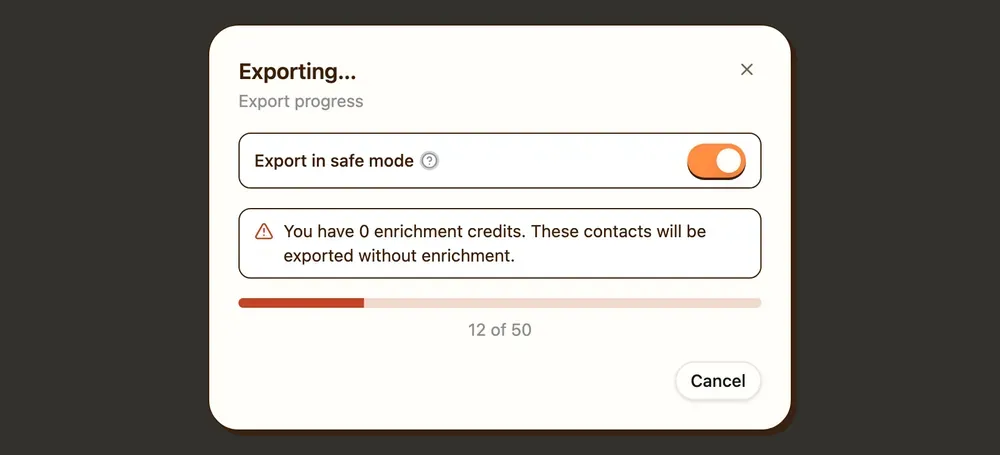
What to do: continue without enrichment and enrich the contacts that matter individually later, or top up first. Credits reset at the start of each billing period, and admins can see the balance under Settings > Billing.
A value came back wrong
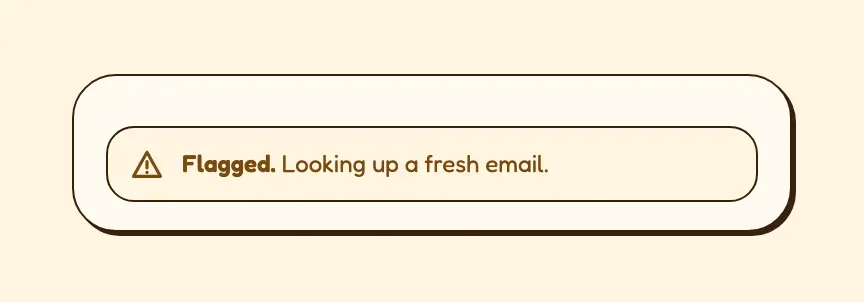
Flag it with the thumbs-down next to the field. SurroundR invalidates that value, excludes the provider that gave it, and looks for a replacement at no cost. You can say what was wrong with it, for example that it bounced, that it belongs to the wrong person, or that it is an old employer. That feedback also stops the same bad value reaching your colleagues.
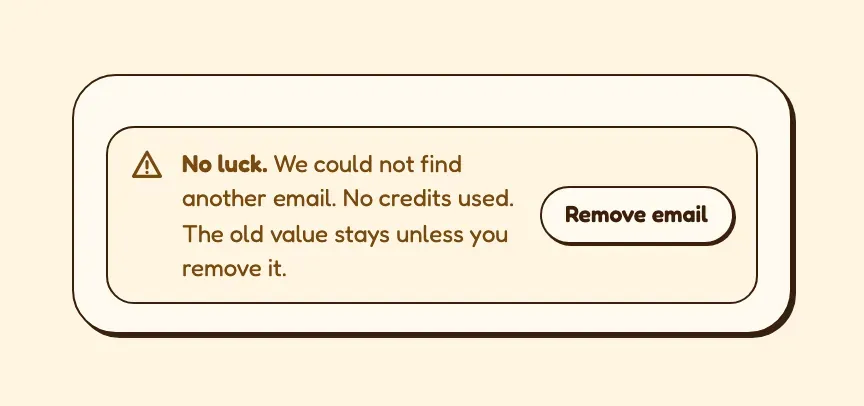
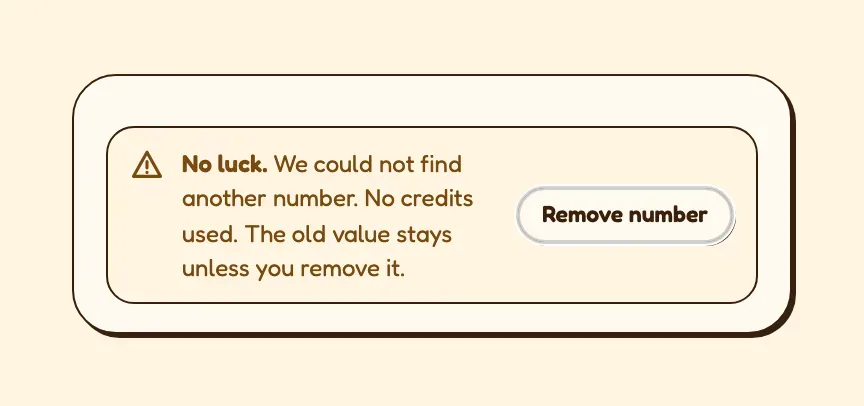
If the replacement lookup comes back empty, the panel says so: "No luck. We could not find another email. No credits used. The old value stays unless you remove it." The value you flagged is still on the HubSpot record, because a wrong number is sometimes better than none while you chase it down. Use Remove email or Remove phone in that message to clear it.
What to send us if you are stuck
Reach out through the in-app chat with:
the LinkedIn profile URL,
roughly when you tried,
the exact message the panel showed,
and whether it happens on one contact or on all of them.
That is enough for us to find the job and tell you what happened to it.
Good to know
Failed and not-found lookups never cost credits. You are only charged when a value is actually delivered.
The messages above do not name which provider failed, because on any single lookup several are tried. If you need to know what happened on a specific contact, ask us and we can look up the job.
Enrichment can only write what your field mapping points at. An enriched value that never appears on the HubSpot record is usually a mapping problem, not an enrichment problem.