The Arena: your score, your tier and the leaderboards
How the operator score is built from input and output points, how tiers are earned on booked meetings, and exactly who can see what.
Written By Philip Poppe
Last updated 11 days ago
The Arena is where SurroundR keeps score. Not to gamify busywork: the scoring is built so that the things that actually move deals forward are worth many times more than the things that merely look like work.
Your operator score
Your score for a period is the sum of two kinds of points.
Input points for the work you put in:
Output points for what came back:
Read those two tables next to each other and the whole design is visible: one booked meeting is worth twenty DMs. You cannot climb this board by sending more. You climb it by getting answered.
Input points are also capped per active day, so a burst of activity in one afternoon cannot buy a week's score. Outputs are never capped.
These are the default values. Your account can be configured differently, so treat the numbers as the shape rather than the letter of it.
Your tier
Tiers are not about points at all. They are earned on lifetime verified meetings booked, and nothing else:
A tier never goes down. It is a record of meetings you have actually booked, so it survives a slow quarter.
What counts as a verified meeting
SurroundR does not take your word for it, and it does not count meetings you typed into a note. It reads them from HubSpot, in one of two ways:
From HubSpot's meetings records, when your portal has granted SurroundR permission to read them.
Otherwise from the last meeting booked property on the contact.
If your team books plenty of meetings but the Arena shows few, that permission is the first thing to check with your admin. The second path is a fallback and catches less.
The leaderboards
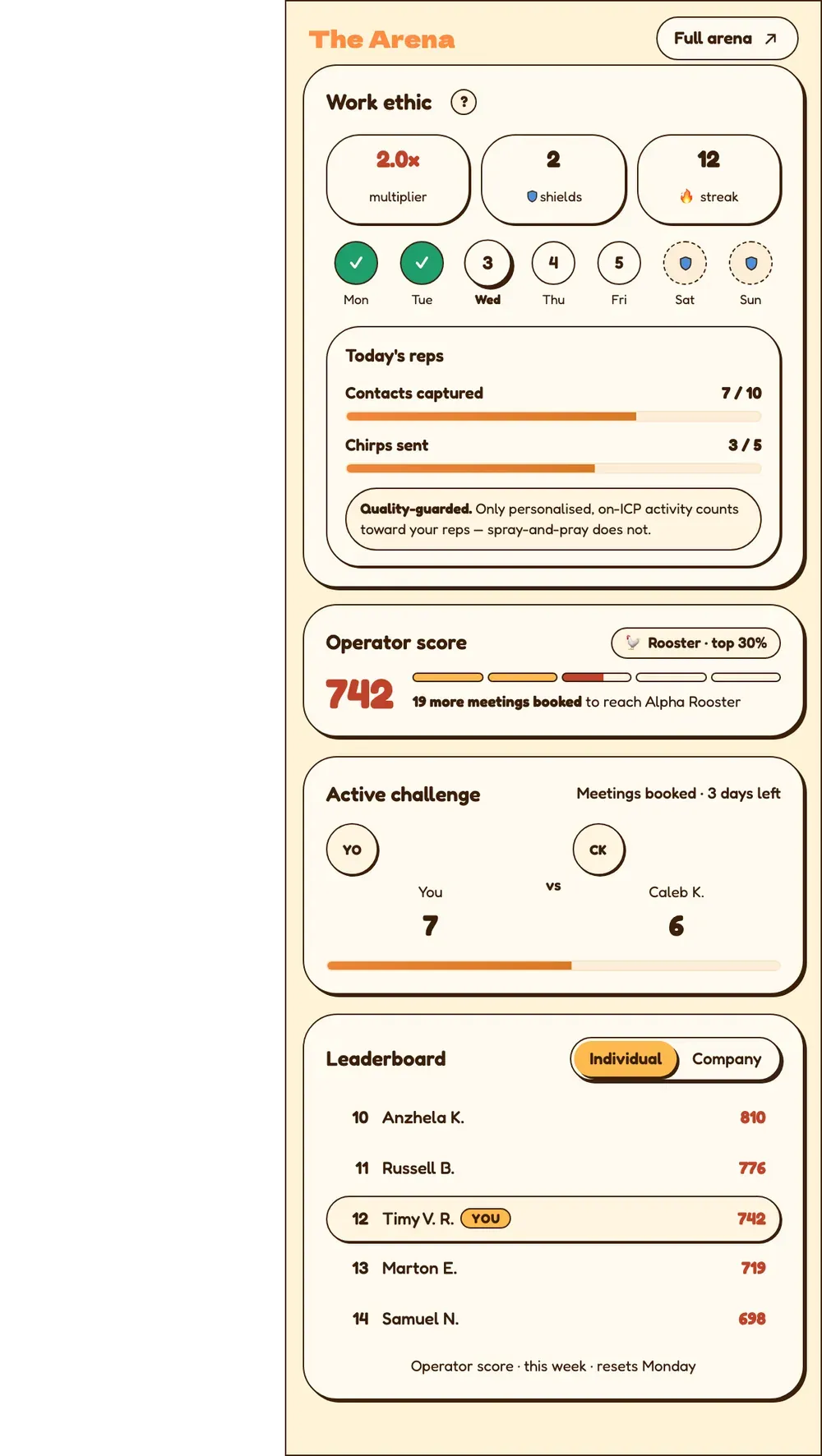
Two boards, both by period:
My team, the people on your SurroundR account.
Global, every scored user across SurroundR.
There is also a company board, ranking companies against each other on their combined score.
Who can see what
This part is deliberate, and worth knowing before you worry about it.
On the global board, a row shows a rank, a display name and a score. Nothing else. Nobody outside your company can see how many contacts you added, how many DMs you sent, or how many meetings you booked.
On my team, where you already share a CRM, rows also show meetings booked and reply rate, so a manager can see effort against outcome in one place.
On the company board, only the company name, rank and combined score appear. No member-level data crosses between companies.
Your own raw counters are yours. The streak numbers on your card are not on anybody else's board.
Reply rate is first replies divided by DMs sent, as a percentage. It is blank rather than zero when someone has sent no DMs, because dividing by nothing is not a zero.
Your name on the board
By default only the initial of your surname is shown, so you appear as "John D." Turn on Show full surname on leaderboards in Settings if you would rather appear in full. It is your own choice and it applies wherever your name is ranked. See What can I change in Settings?
Good to know
Chirps are worth ten input points against a DM's five, because a video is harder to send and much harder to ignore.
A conversation day scores once per day of real back-and-forth, not per message.
Streaks multiply your points. See Streaks: daily reps, multipliers and hatching.
You can challenge a comparable teammate directly. See Challenges: going head to head.