What is enrichment, and what does it cost in credits?
How SurroundR finds a work email and mobile number for a LinkedIn profile, what each lookup costs, and the settings that control it.
Written By Timy Van Roy
Last updated 11 days ago
Enrichment looks up the contact details a LinkedIn profile does not show you: a work email address and a mobile phone number. When SurroundR finds them, they are written to the HubSpot contact through your field mapping, so the details land on the properties your team already uses.
Where enrichment starts
There are four ways a lookup gets triggered:
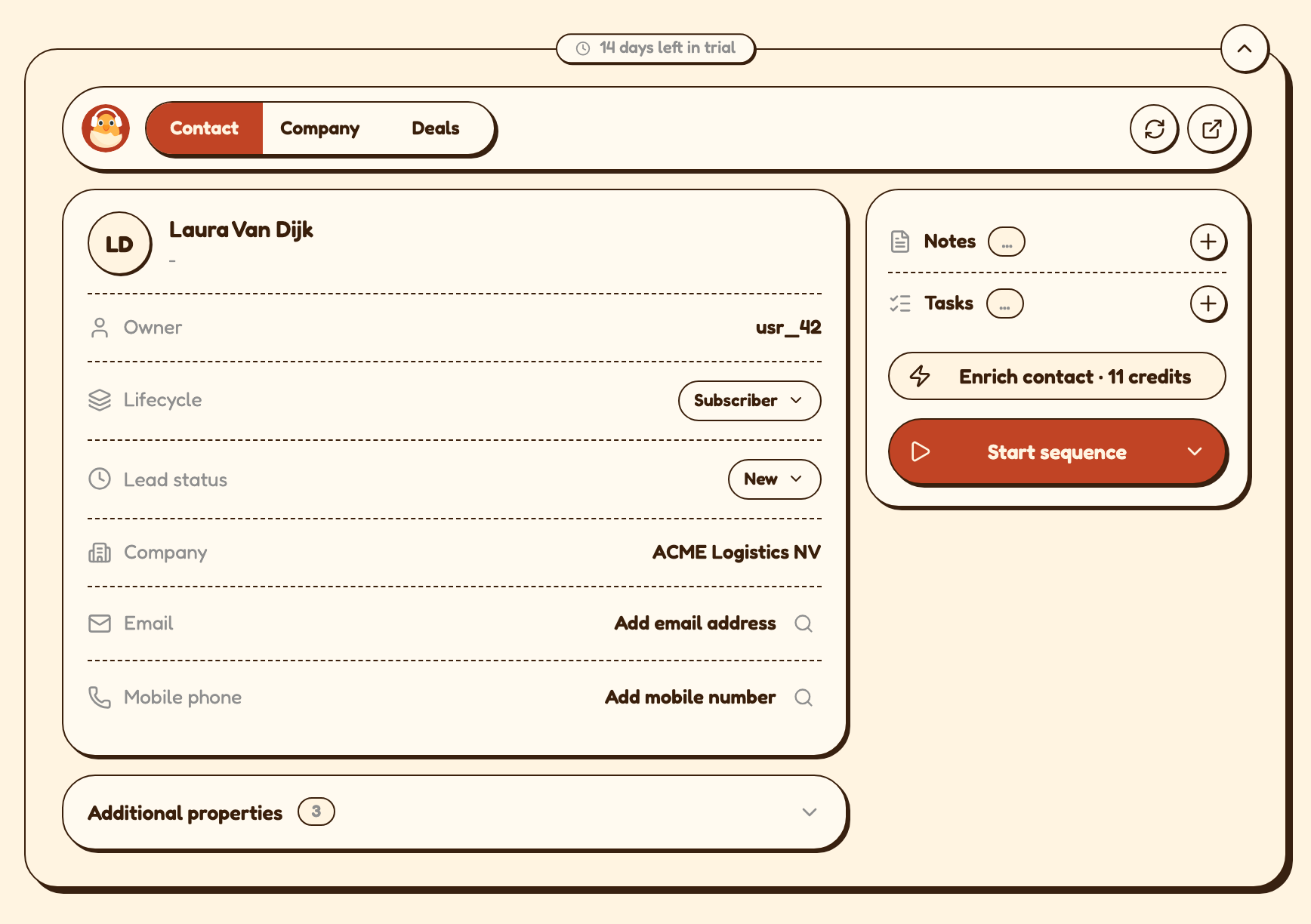
The Enrich contact button in the SurroundR panel on a LinkedIn profile. The button label tells you what the lookup will cost before you click it.
A single field. If the contact has an email but no mobile number, you can enrich just that field instead of both.
Automatically on create. With Auto-enrich contact on, every contact your team adds from LinkedIn is enriched in the background, without anyone clicking.
In bulk, when you export a list from Sales Navigator to your CRM.
What it costs
You are only charged for what comes back. If a lookup finds nothing, it costs you nothing. If it finds an email but no phone number, you pay for the email only. Mobile numbers cost more because they cost us more: they are the hardest and most expensive data to source accurately.
How the credit pool works
Credits are shared across your whole account, not divided per user. Anyone on the account draws from the same pool.
Your credits reset at the start of each billing period. Unused credits do not roll over.
Bonus credits you earn, for example by completing onboarding, sit in a separate balance and are only used once your regular credits for the period are spent.
You can see your remaining balance in the credits counter in the SurroundR header, and the full history under Settings > Billing.
Where the data comes from
SurroundR does not hold a contact database of its own. Each lookup is put to specialist data providers, one after another, until one returns a verified result. That pool is Wiza, Prospeo, FindyMail, Hunter and FullEnrich, and we pay them so you can spend credits instead of managing five contracts.
Different providers are strong on different regions and seniority levels, which is why a lookup that fails at the first provider often succeeds at the third. Running them in sequence is also what keeps your cost down: the search stops the moment something verified comes back.
If you already pay for a provider yourself, you can plug in your own API key and skip SurroundR credits entirely. See Use your own enrichment provider keys.
The settings that control it
Under Settings > Enrich settings (admin only):
Auto-enrich contact enriches every new contact automatically. Leave it off if you want your team to decide contact by contact.
Find emails and Find mobile numbers control which channels SurroundR is allowed to look up at all. Turn Find mobile numbers off if you want to keep credit use predictable, since mobile is the expensive one.
In the extension settings:
Allow free email provider emails decides whether a personal address such as Gmail, Outlook or Yahoo counts as a valid result. It is off by default, so SurroundR only returns business addresses.
What you see while it runs
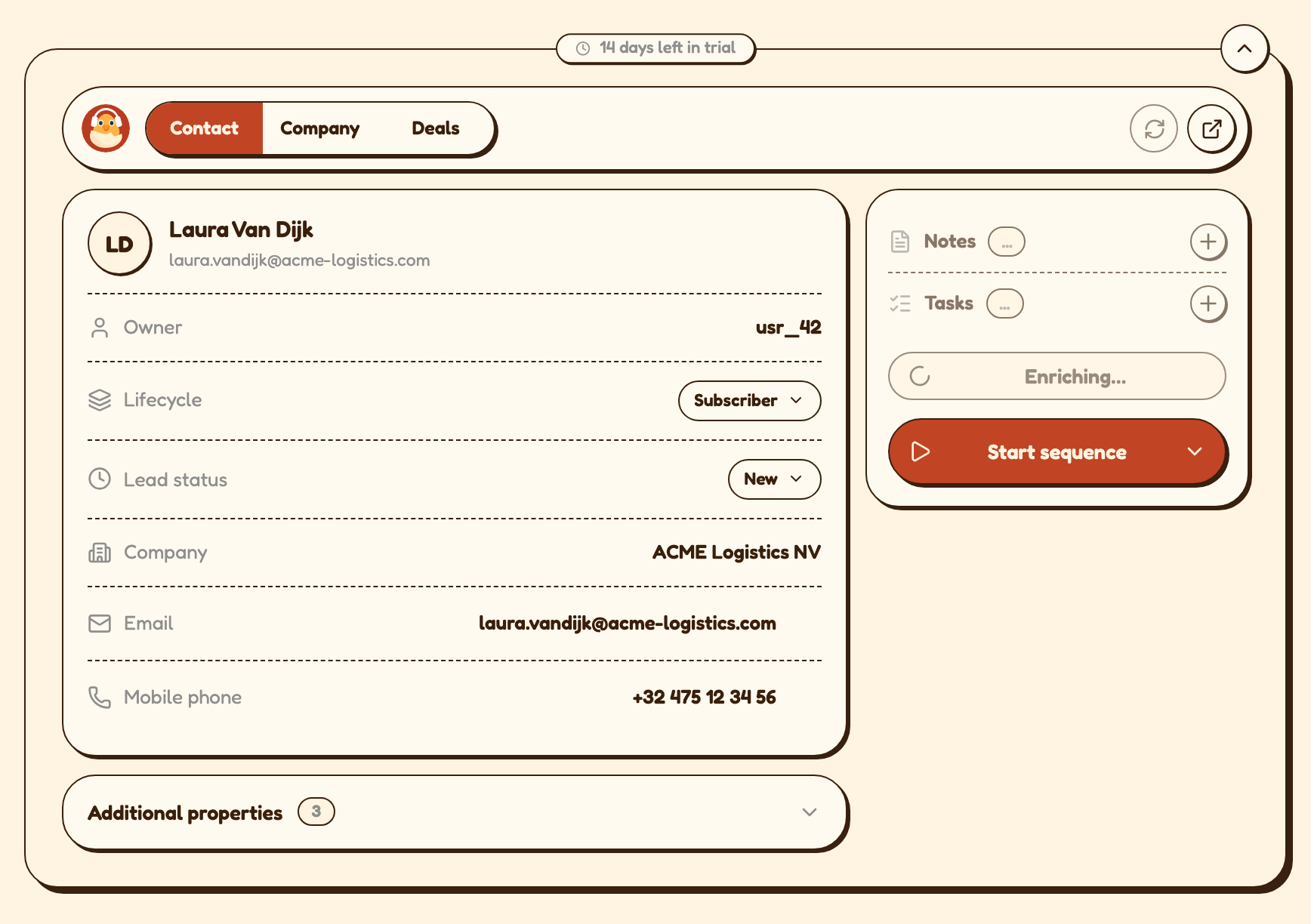
Most lookups finish in a few seconds. The panel walks through the state of the job as it goes:
Enriching while providers are being tried.
Still enriching in the background if the job passes about 90 seconds. You can carry on working. Reopen the profile later to pick up the result.
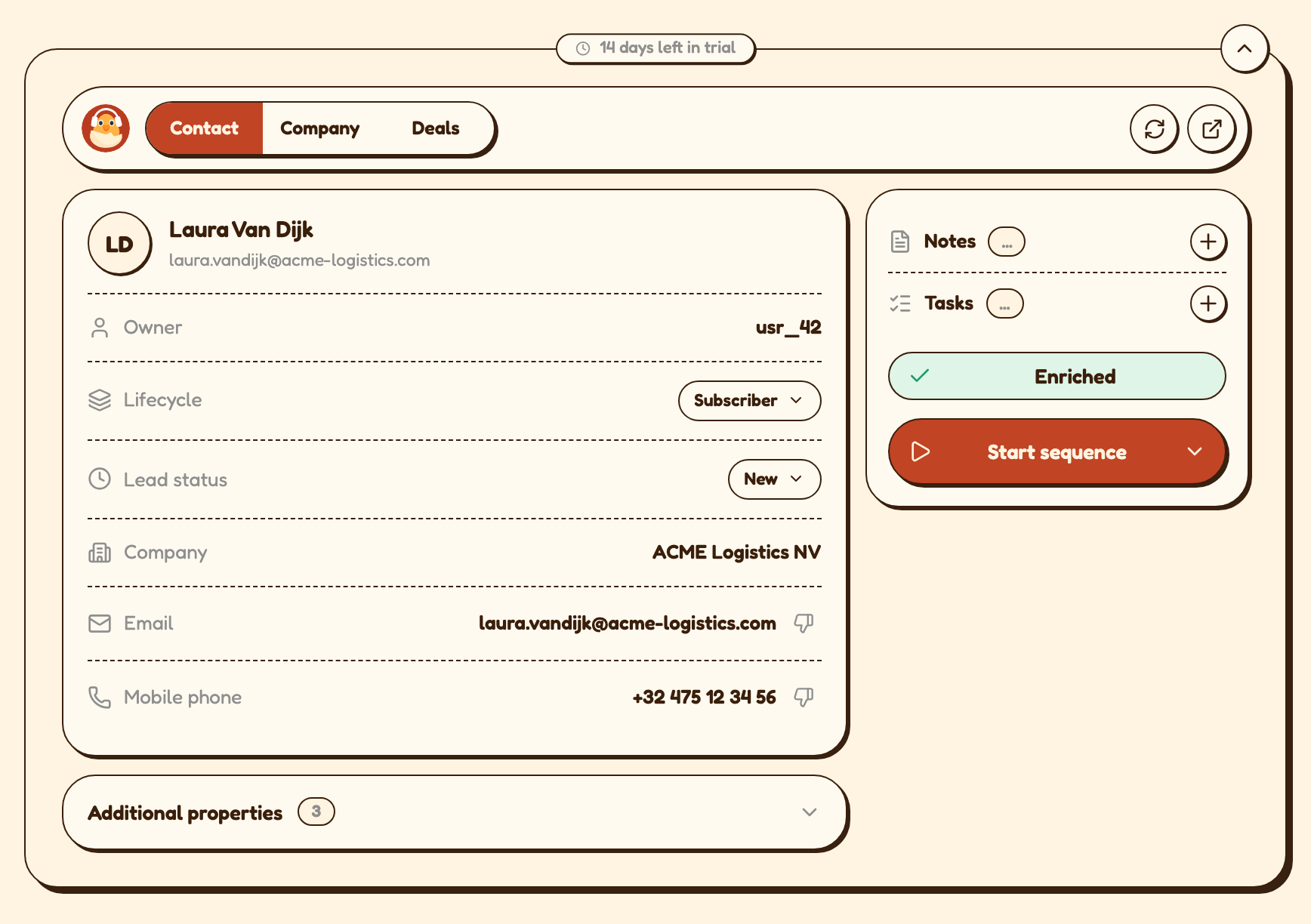
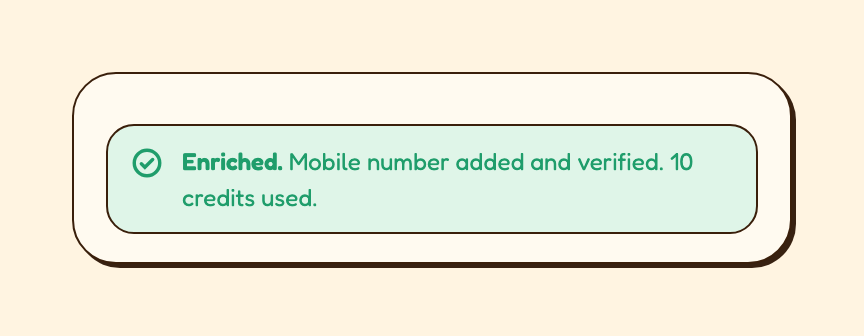
Enriched when everything you asked for came back, or Partly enriched when only one of the two did.
Could not find email or Could not find phone when the data does not exist in any source we can reach. This is an honest not-found, not an error, and it is free.
If something goes wrong instead, see Enrichment did not return an email or phone number. What now?
Spotted a wrong value?
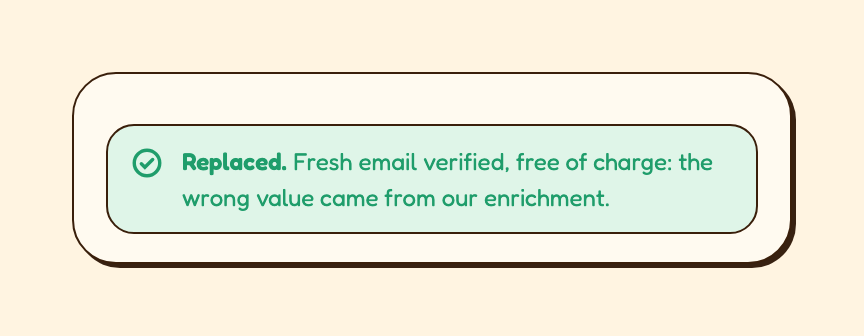
Flag it with the thumbs-down next to that field. SurroundR marks the value as incorrect, excludes the provider that supplied it, and looks up a replacement free of charge. Flagging also improves results for the rest of your team, so it is worth the two seconds.
If no replacement can be found, the value you flagged stays on the record and the panel offers to remove it. Nothing is charged either way.
Good to know
If the same person was looked up before, the result can come back almost instantly. That still costs the same credits as a fresh lookup.
Enrichment writes to HubSpot through your field mapping. If an enriched value is not showing up on the record, check How does field mapping work in SurroundR? first.
A job title and a matched company make lookups noticeably more accurate. Linking the company before you enrich is worth the extra click.
Enrichment never overwrites a value that is already on the HubSpot record unless your field mapping is set to overwrite that property.
Running out of credits does not block your team from adding contacts. Contacts are still created, just without enriched details.